
Cheat sheet
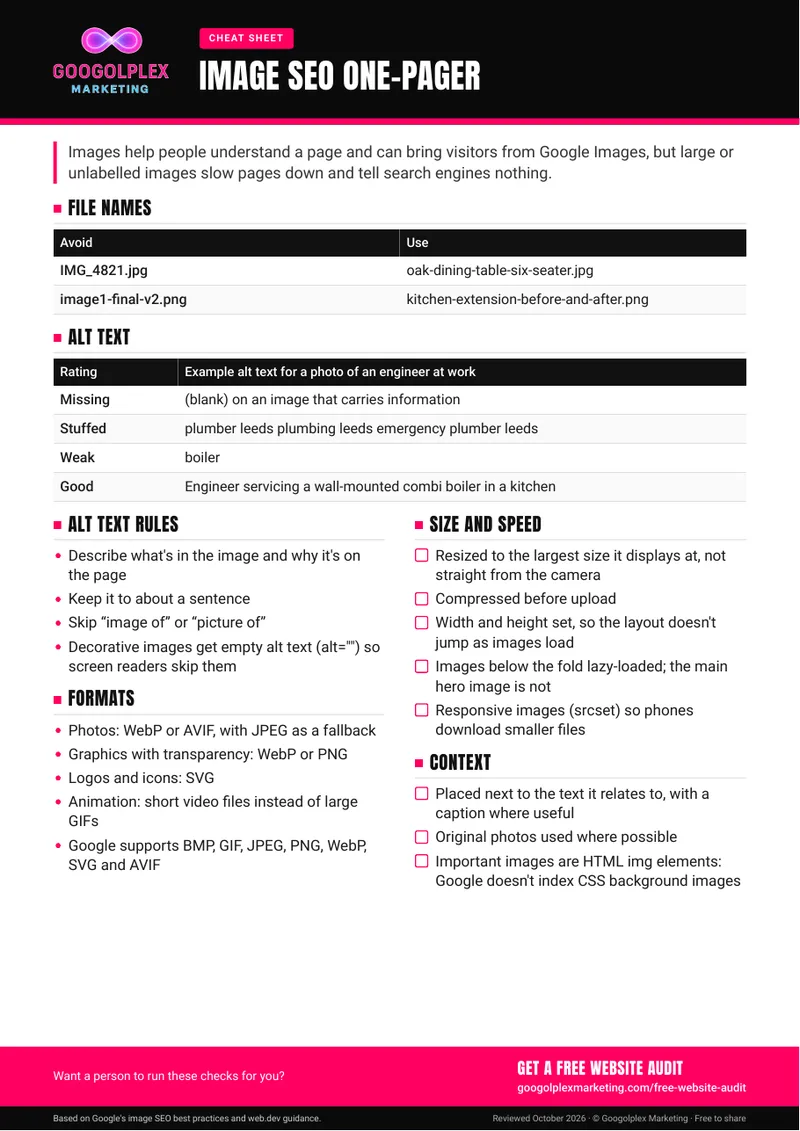
Make your images work for your pages rather than against them. This cheat sheet covers how to name, describe, size, format and place images so they load quickly, help visitors and tell search engines what they show.
Reviewed
October 2026
Content editors, ecommerce teams and business owners who upload images to their own website, as well as designers handing files over to a web team.
Keep it beside you when preparing images: rename the file, resize and compress it, then write alt text that describes what the image shows and why it's on the page. For existing pages, start with your busiest pages and product images. Ask your developer to confirm that lazy loading and responsive images are set up, and that the main hero image loads straight away rather than lazily.
Free audit
Images slowing your pages down? Request a free website audit.
Get a free website auditRather we handled it for you? See Organic search management
Guide updates
Hear about new guides by email
Signing up is optional: leave your email and we'll let you know when we publish a new guide or meaningfully update an existing one.
Thanks, you're signed up. We'll email you when there's a new or updated guide.
Sorry, that didn't work. Please check your email address and try again.