
Your brand. Your real products. Every single post.
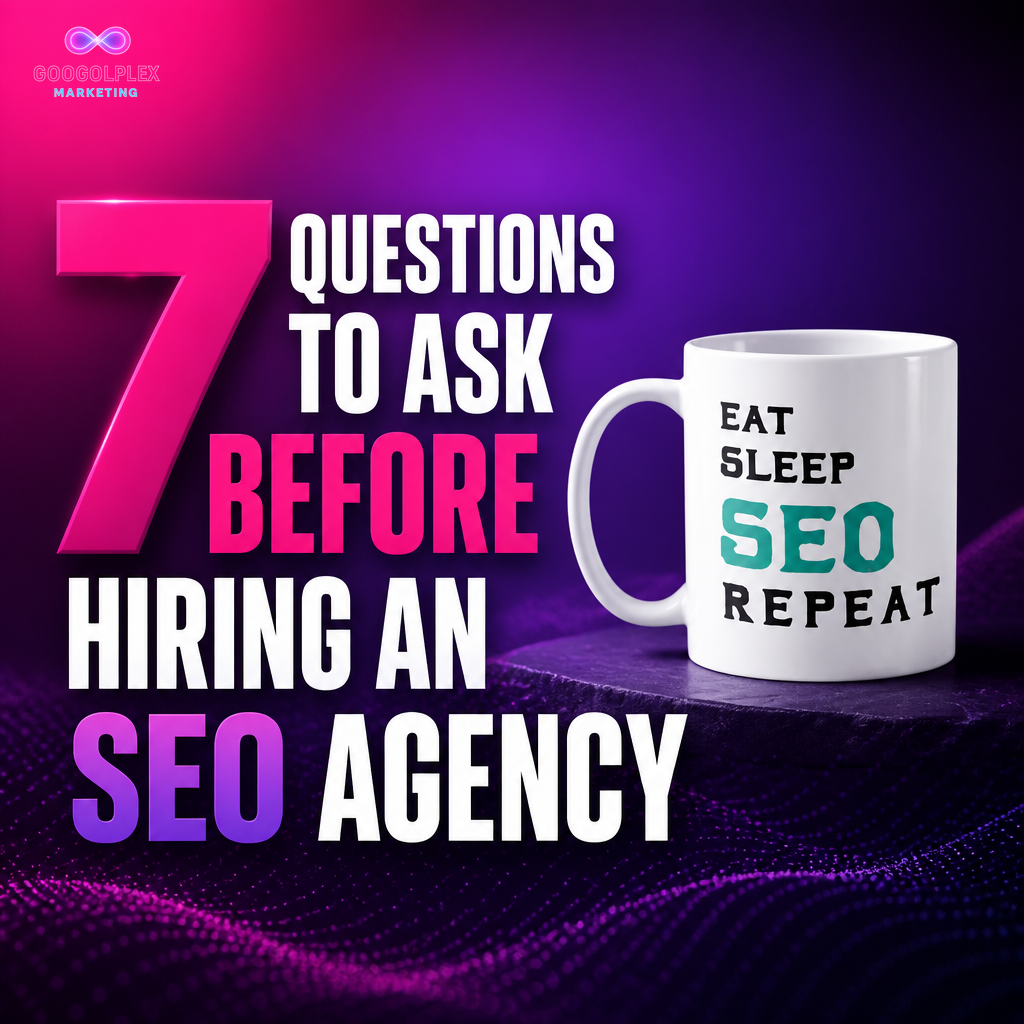
An example post made with the tool with Googolplex branding, using an uploaded mug photo as an dummy product image.
Set up your logo, brand colours, tone of voice, topics and product photos once. Then pick a platform and a topic, and get the post text with a matching image in a couple of minutes.
No charge until day 8, and you can cancel any time before then. After the trial: £40 a month, or £400 a year.
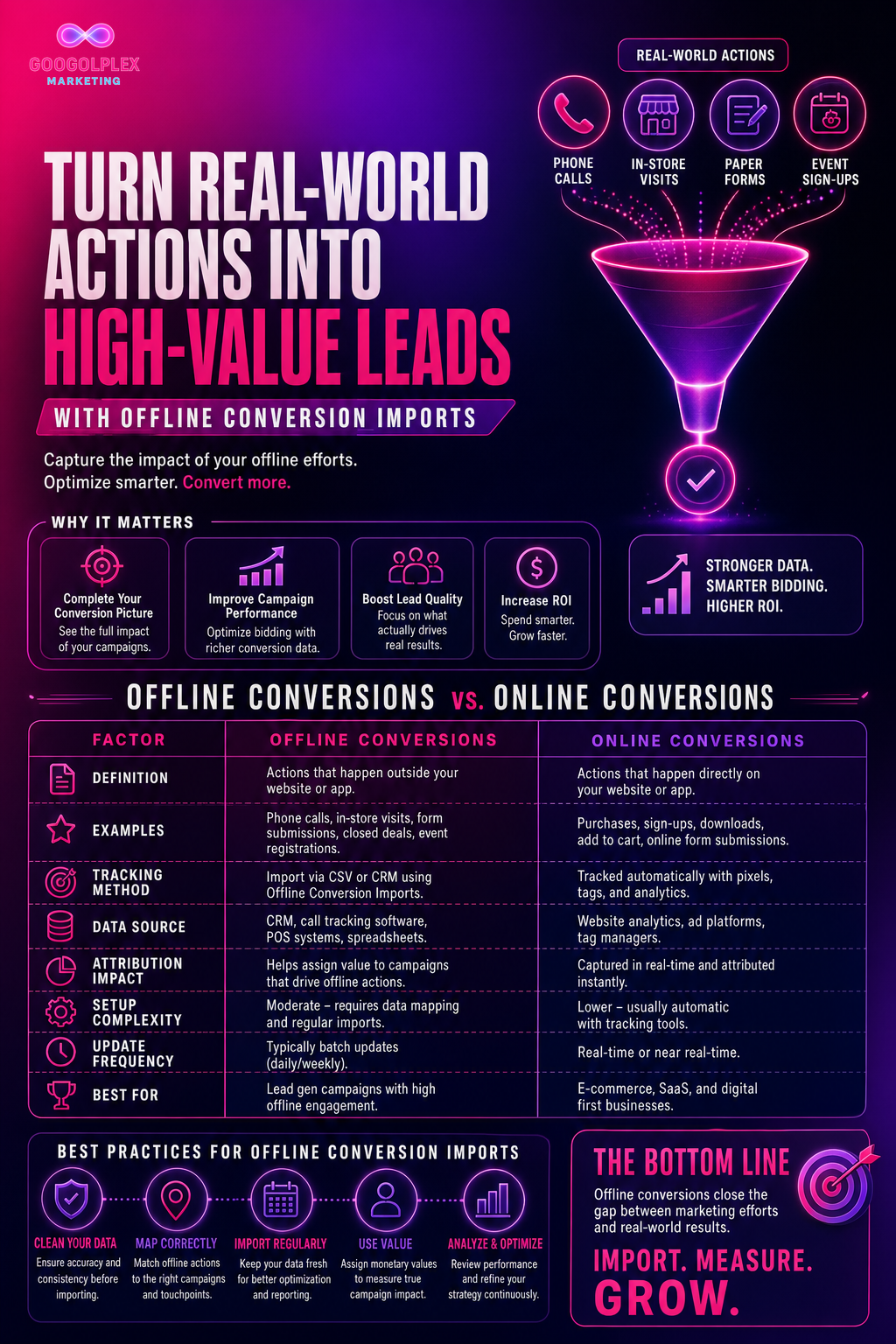
These examples were made using the Googolplex brand kit. Click any post to see it full size.

Your brand kit, set once
Each post, you choose
You get
Post text written for that platform, and a matching branded image
A full week of branded posts in one sitting, so the calendar never sits empty.
The same branding on every post, every time, without checking each one by hand.
A professional social presence without hiring a designer or an agency.
One free trial per business. No VAT is added: we are not currently VAT registered.
It is included in the Pro and Fast Track packages. Essential and PPC clients subscribe separately. Log in to your dashboard
You can generate an image in ChatGPT, yes. What you won't get is a tool that remembers your brand from one post to the next: every new chat starts from zero, with no memory of your logo, your colours, your tone, or your products, unless you re-explain it and re-upload your references each time. Free and low-cost AI chat tools also cap how many images you can create per day, and that limit isn't published or guaranteed to stay where it is. Social Media Post Creator is built for repeatable, on-brand content: set your brand up once, and every post afterwards uses it automatically, with no daily limit.
Once, at set up. Add your logo, brand colours, tone of voice, and key topics, and every post you generate afterwards applies them automatically. There's no re-briefing and no reference file to attach each time. Compare that to a general AI chatbot, where brand details usually need repeating in every new conversation because there's nowhere for them to live. As a result, eash new generation looks different from the previous. Not ideal for consistent branding.
Unlimited. Unlike other tools, we won't cap your monthly usage so you can create as many posts as you need. Fair usage policy applies.
Yes, you can upload your own image assets, such as product images from the Edit Set Up section of your client dashboard. You can then choose which image to include in your post at the 'generate' stage. Perfect for ecommerce brands.
Yes. Choose your platform when you generate, and the copy and image format adjust to match. A general AI chatbot won't do this by itself: you'd need to specify the platform, tone, and format limits yourself, and remember to do it the same way every single time.
Add your case study details (results, industry, time frame) once in your dashboard, then select "case study" as the content type when you generate. The tool writes from that saved information instead of you re-pasting the same figures into a prompt every time you want to use them. Perfect for B2B brands.
Yes, you can view, edit and regenerate historic generations from the 'Content Library' section of your client dashboard.
The tool creates tailored copy written for your chosen platform with a relevant matching image. Choose the platform, a topic from your uploaded list, a content style, an aspect ratio for the image, select an optional asset from your uploaded images and add an optional detailed description. Click generate, and the tool does all the hard work. After a couple of minutes, your post is ready. Use the 'Copy Text' and 'Download Image' buttons to take the post over to your chosen platform. Simple!
After the 7 day free trial period, the tool costs £40 per month for unlimited generations.
The tool is included in our Pro and Fast Track packages so if you are an SEO customer on either of these you do not need to pay for the tool on top. If you are on our Essential package, the tool is not included and must be purchased as a separate subscriptions.
No, PPC customers must subscribe to the tool as a separate subscription which can be cancelled at any time.
You can cancel at any time from your client dashboard under 'Manage Subscription'.
Set your brand up once, then create on-brand posts whenever you need them.